
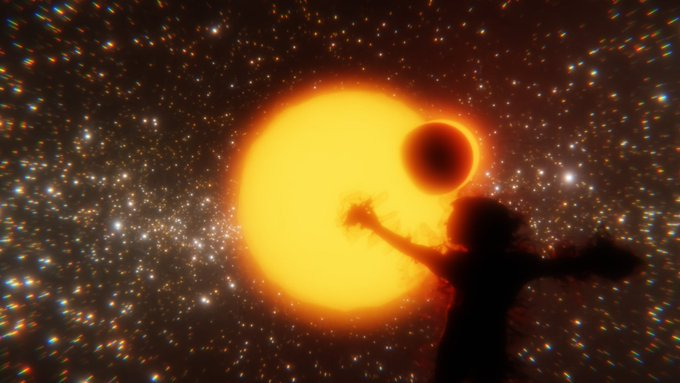
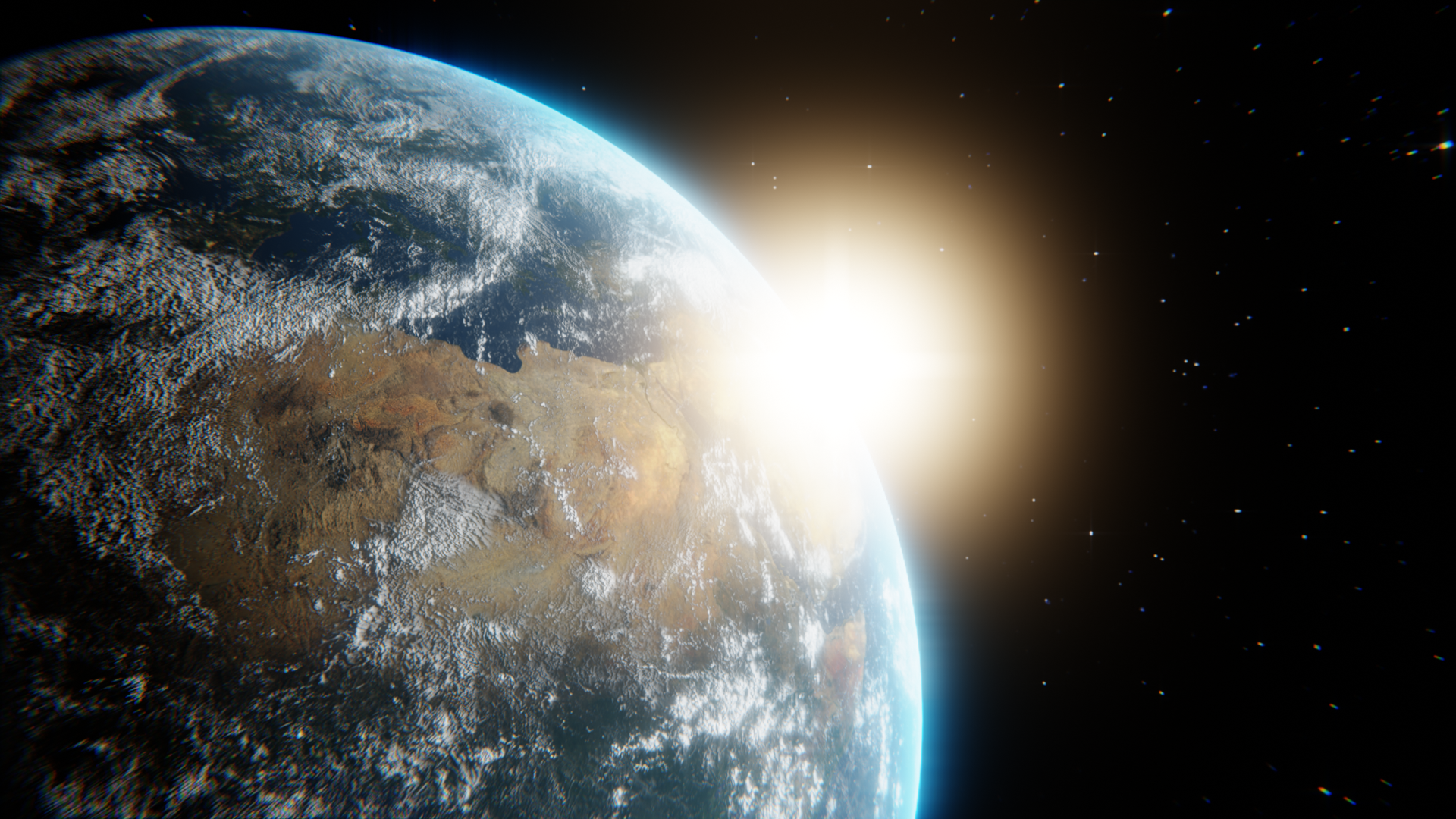

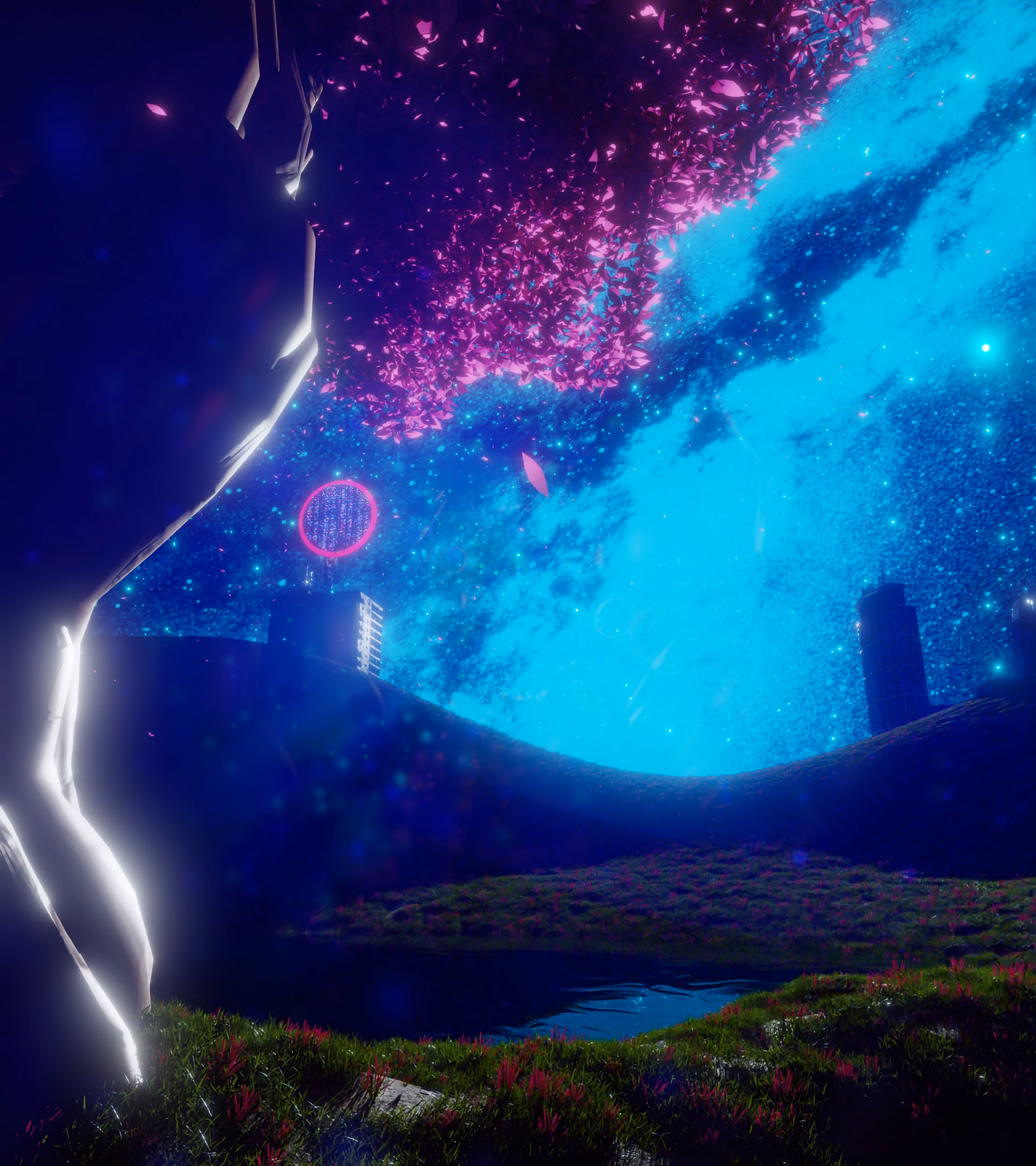


This is our semester 4 AR experience -made in unity- for the Geo-Naturpark Odenwald.
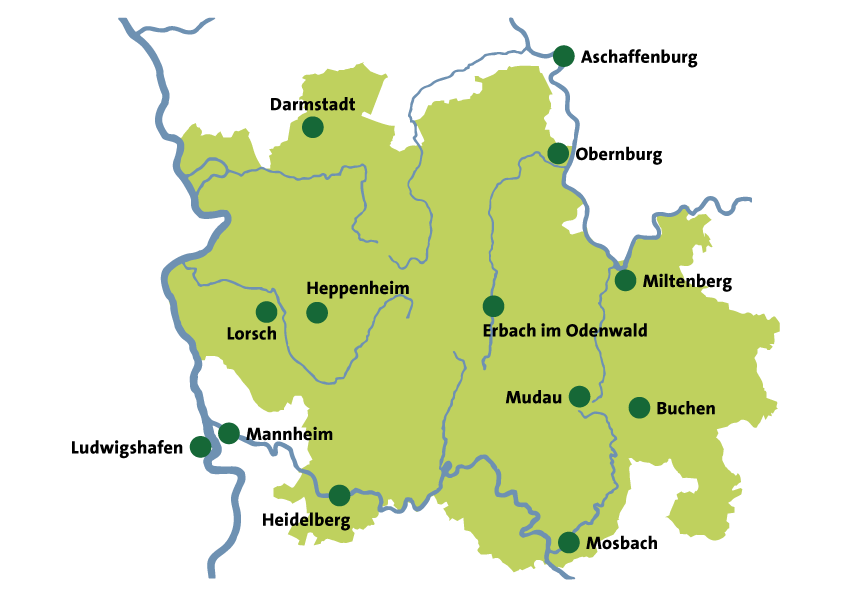
For visitors of Odenwald who are interested in local history & culture.
Quest Track
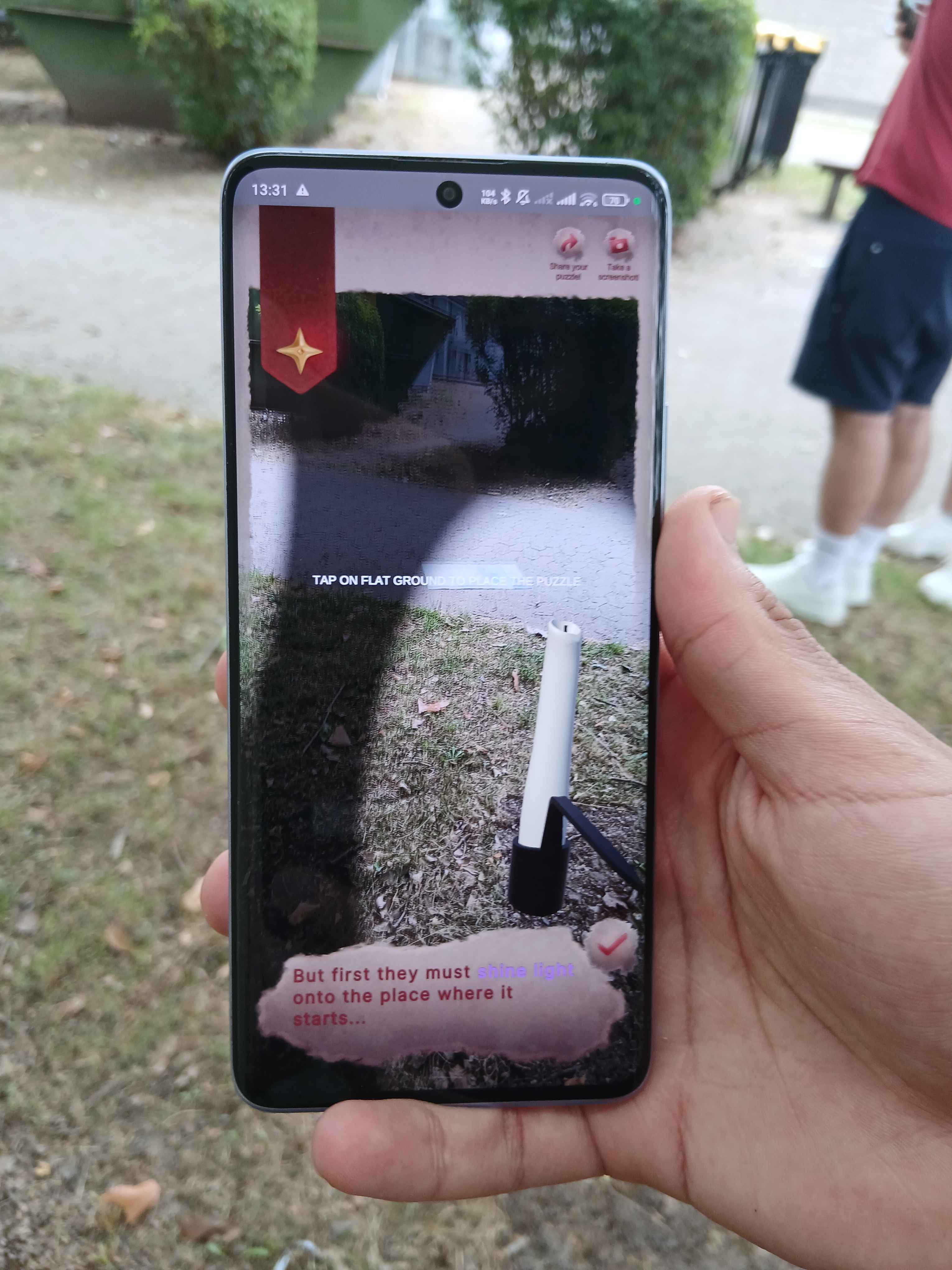
Is a mobile AR-app That guides their exploration of Odenwald By turning local folklore into a real-world, interactive puzzle quest In order to encourage mindful exploration & highlight the natural & cultural richness of Odenwald. As opposed to other AR-maps & -puzzle games, Quest Track grounds the experience within the local geography and culture of Odenwald.
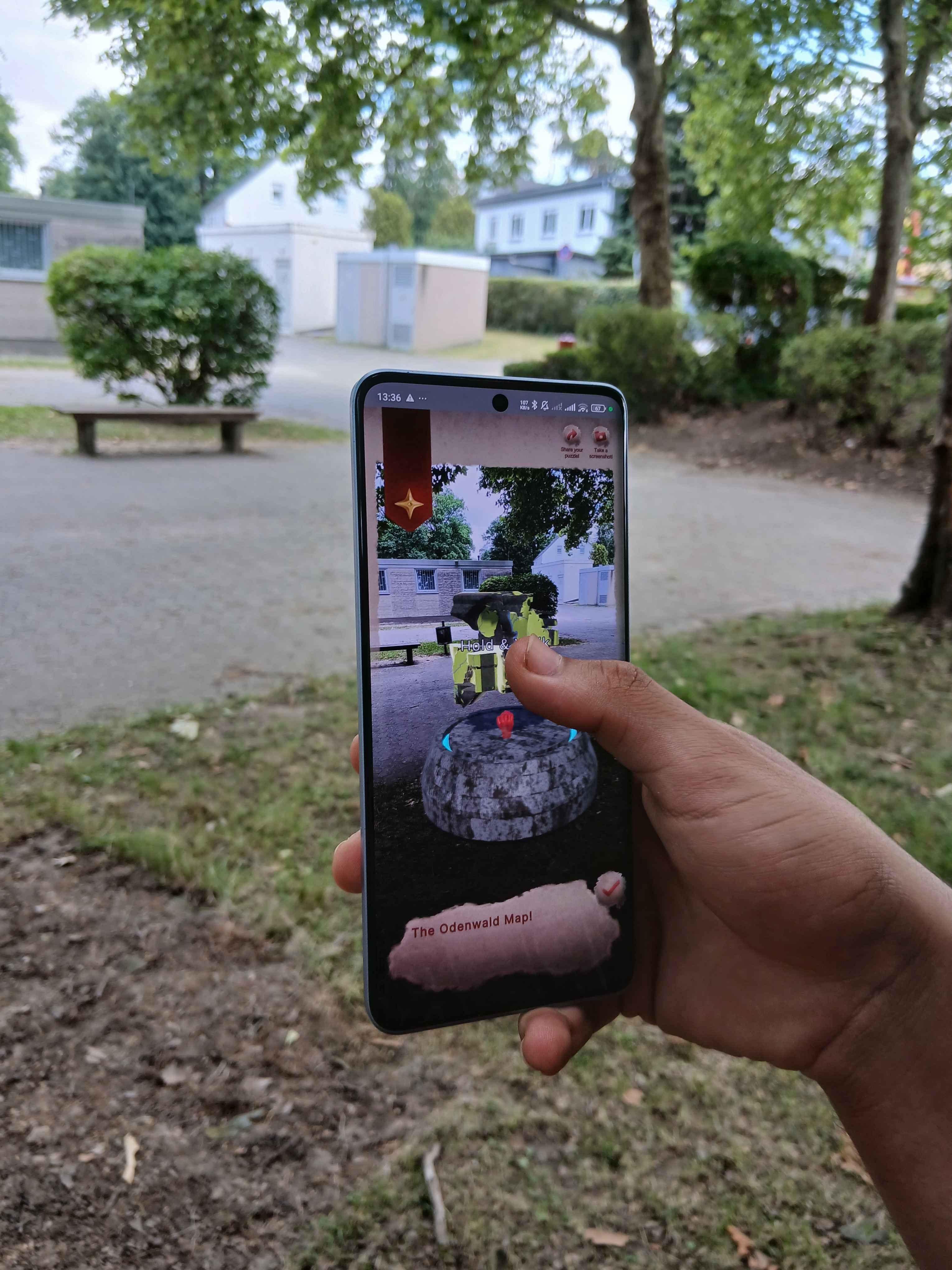
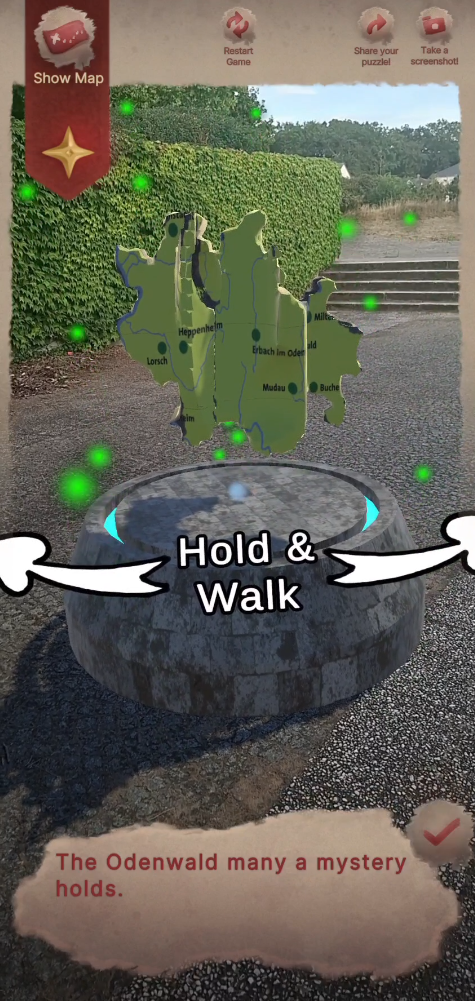
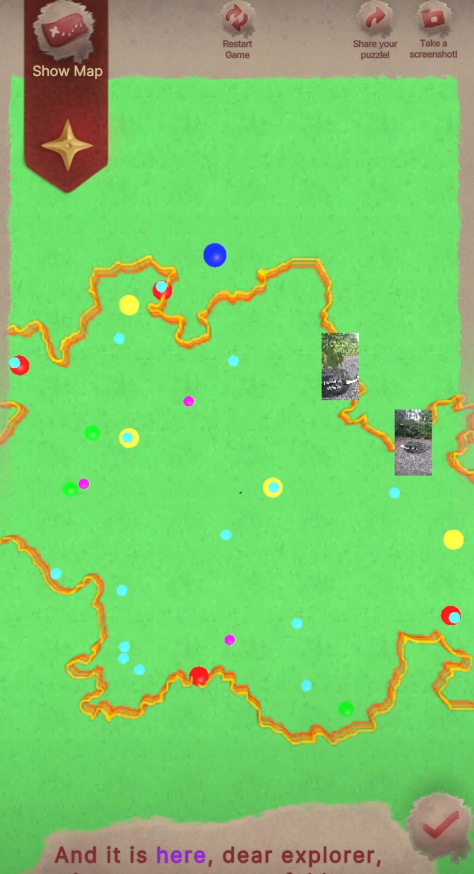 In-Game Odenwald Map
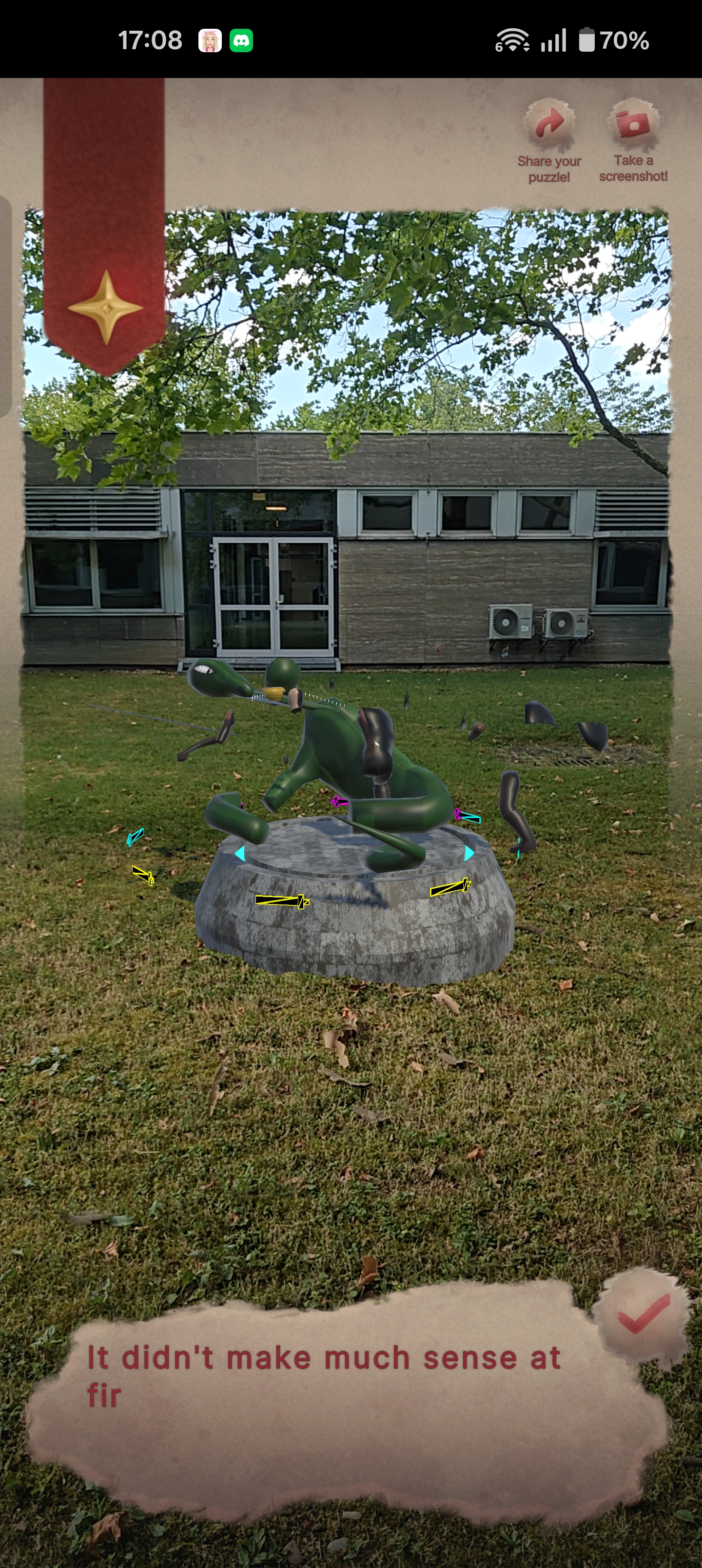
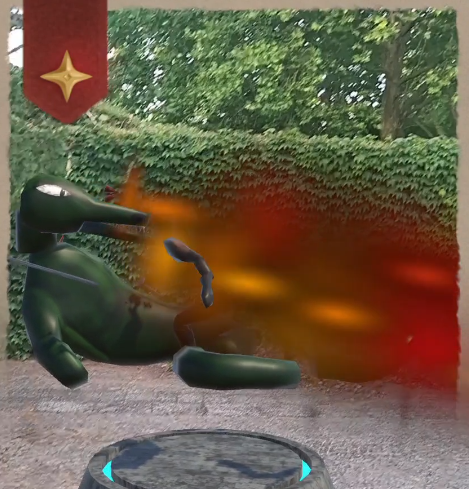
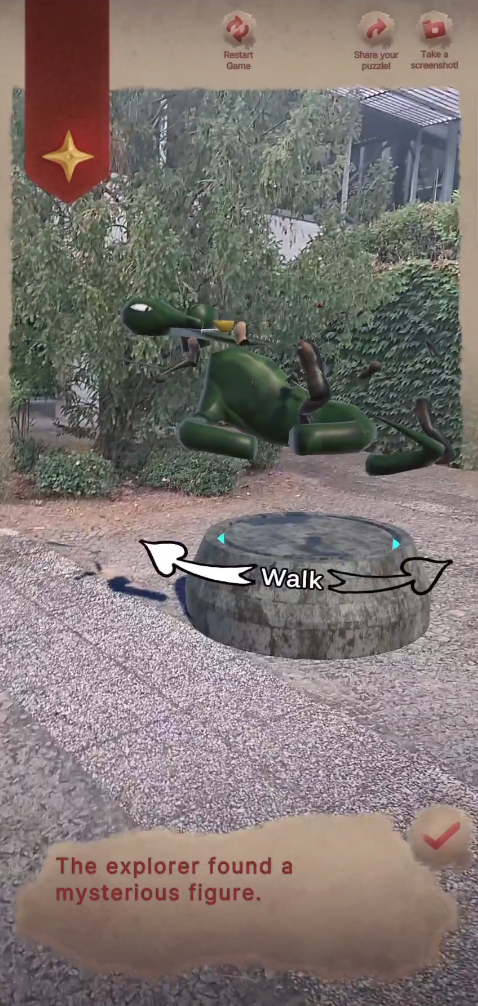
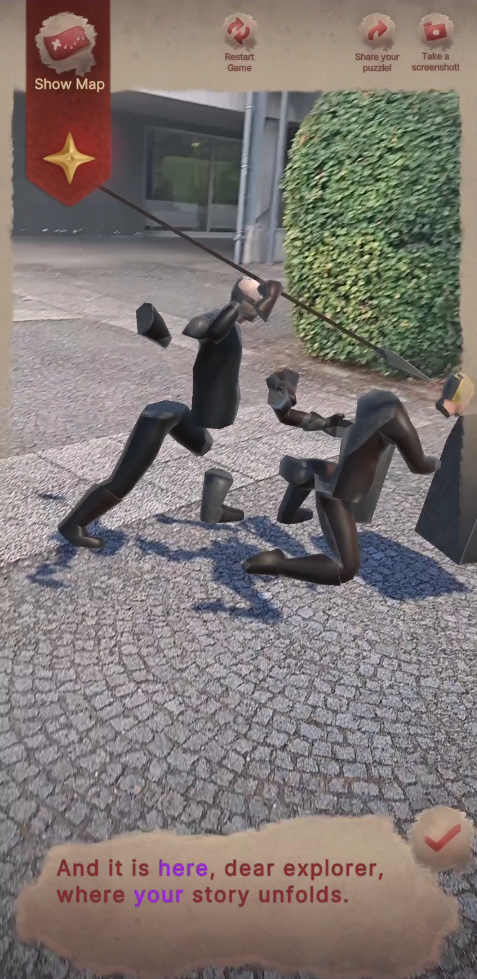
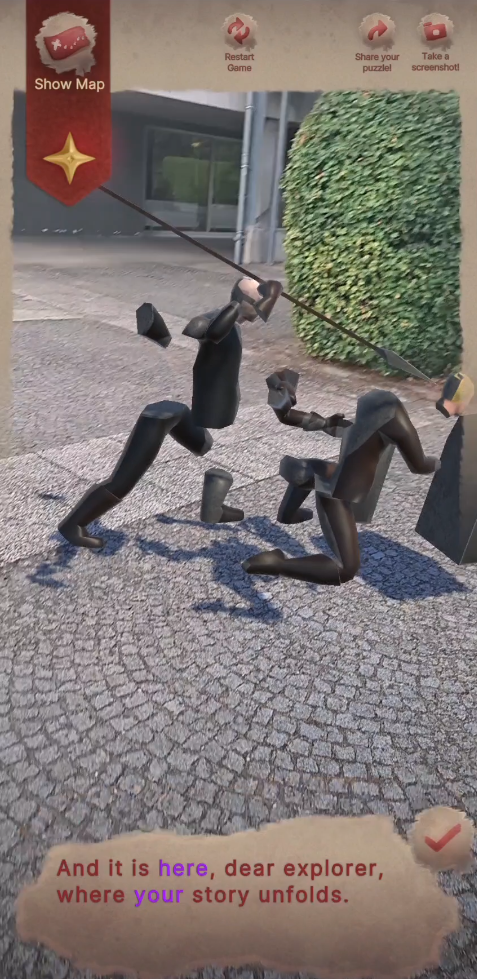
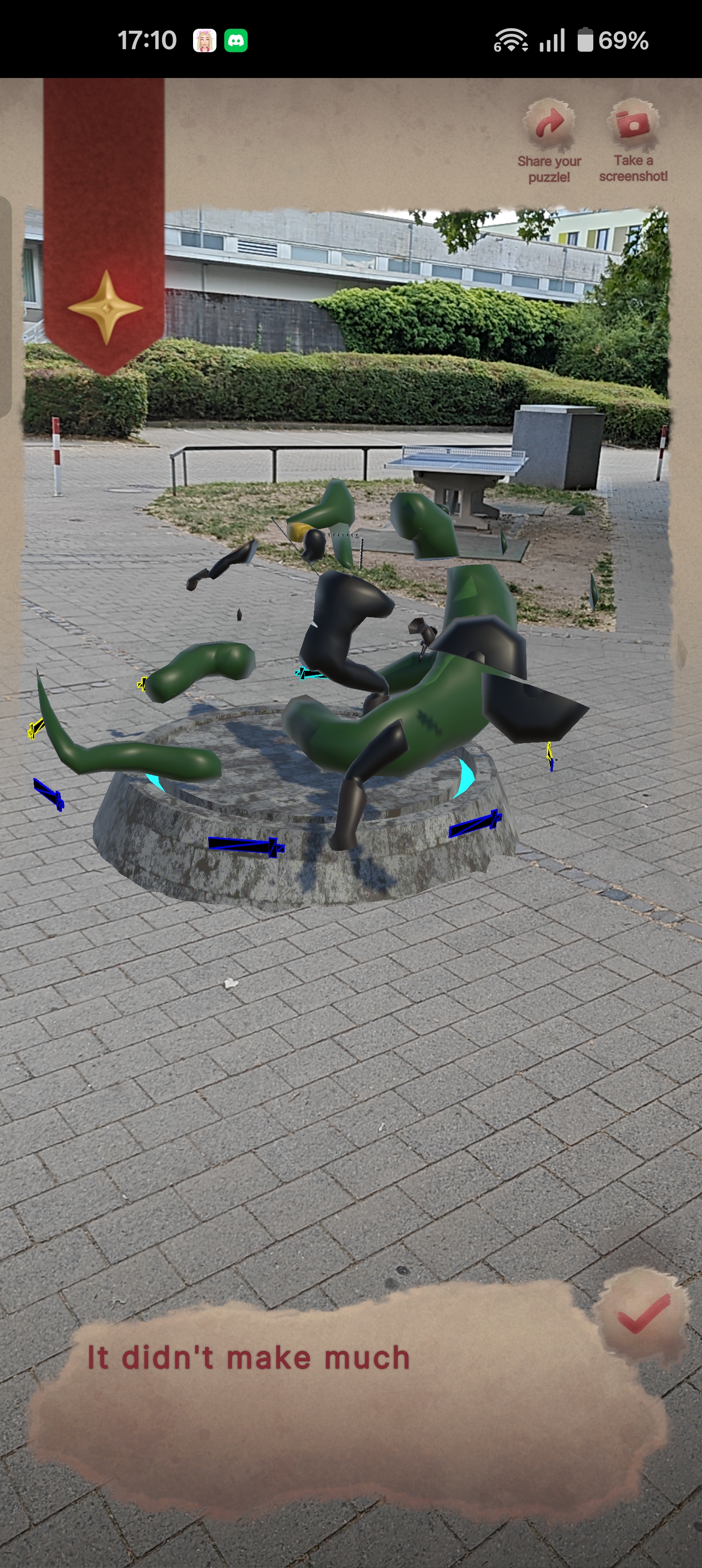 AR Anamorphic Puzzle
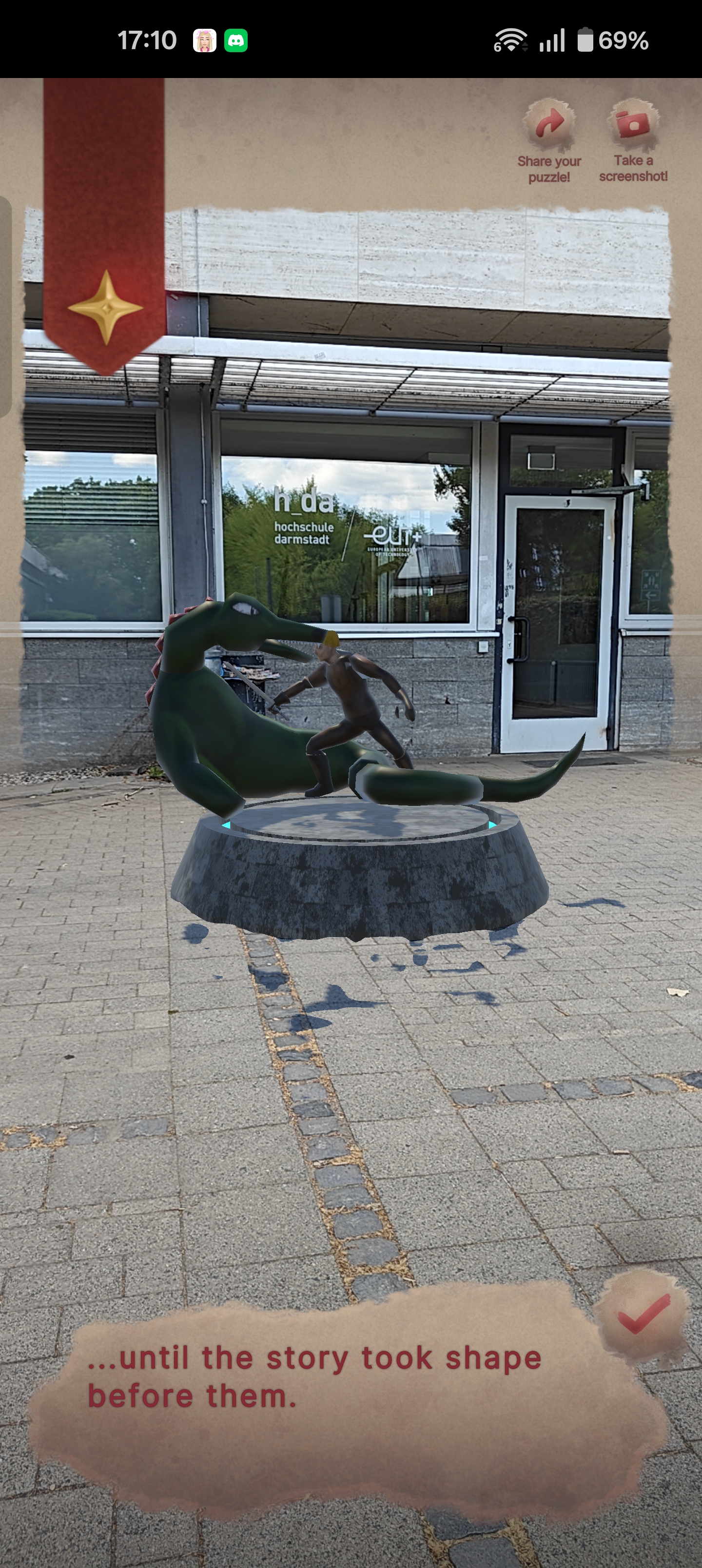 AR Anamorphic Puzzle from correct perspective
Techincal Basis:
notes and documentation of the technical background I worked on
Geopark Map GPS
The positioning of player location in the in-game map is calculated through mapping from (GPS to GPS locations) to (virtual map point to another virtual point) using custom written mapping functions in C# code. And the real player position is also calculated the same way with a reference central point in the virtual map, which acts as the point of reference or “origin point of the 2D axis”. The GPS data is received directly from Geospatial API.
Image Recognition
It was considered at some point for the project to use Image Recognition in AR to register and align the experience puzzles and games as a replacement for the Geospatial setup since Geospatial is prone to problems like: hard to calibrate outside urban spaces and requires GPS module in the device (which the Meta Quest doesn’t have). But after some research it was discovered that the Meta Quest doesn’t also support image recognition by default and the other option for it is to use a paid plugin that utilizes OpenCV, which wasn’t suitable for this project’s resource limitations. Thus, the decision was made to move forward without utilizing Image recognition as it won’t add much compared to the Geospatial setup which the project already utilizes.
Cross-device Geospatial Anchor Sharing
At the very early stages of development there was this idea of making the android phone of the user share the geospatial anchors and current pose to the Meta Quest if they are on the same network (Wifi/Hotspot). And there are scripts which can do that in the project, yet it wasn’t utilized later, as the scope of the Meta Quest version of the app got scaled down in its development compared to the mobile phone to reduce development burden and reduce having to go through many workarounds just to make both experiences match, thus it was preferred to maintain focus on the app experience itself rather than perfect cross-platform symmetry, and design the experience on each platform (Mobile/Meta Quest) to be within the limits of the target platform.
Cross-device Geospatial Anchor Sharing
The scripts operate on a simple logic: 1 – The sender script only exists on the phone, once Geopose is grabbed from the Geospatial Plugin in Unity, it formats it in a string format, then sends it using UDP as bytes.
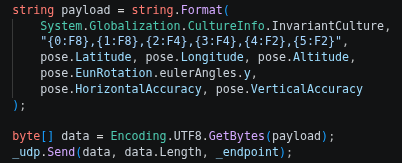 Geospatial sent data payload
2 – On the receiver’s end they keep listening to the same UDP port and once new bytes are received, they are decoded and written into a GeoPose custom class that mainly hosts information of Geospatial Pose.
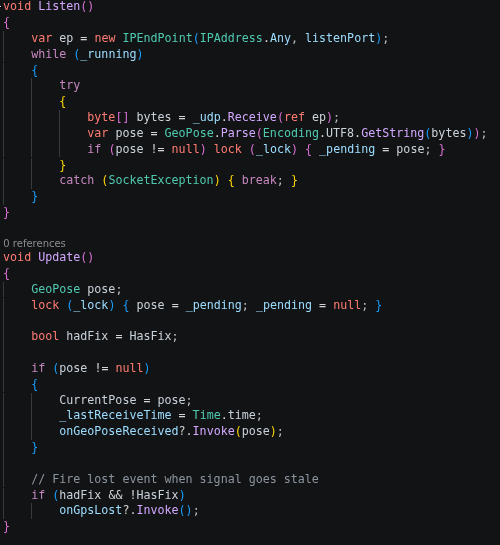 Geospatial Pose Receiver
Meta Quest Version
The Meta Quest version of the app is a scaled down experience, the Quest version serves as an introductory/tutorial for the experience that can be used at home/stationary space, where only one puzzle gets spawned which is the rubik-like map puzzle around the player/user and they can have a trial of the puzzle. it doesn’t use any GPS data or things which the Quest doesn’t support, it only utilizes the regular Unity AR Foundation backend for the Quest.
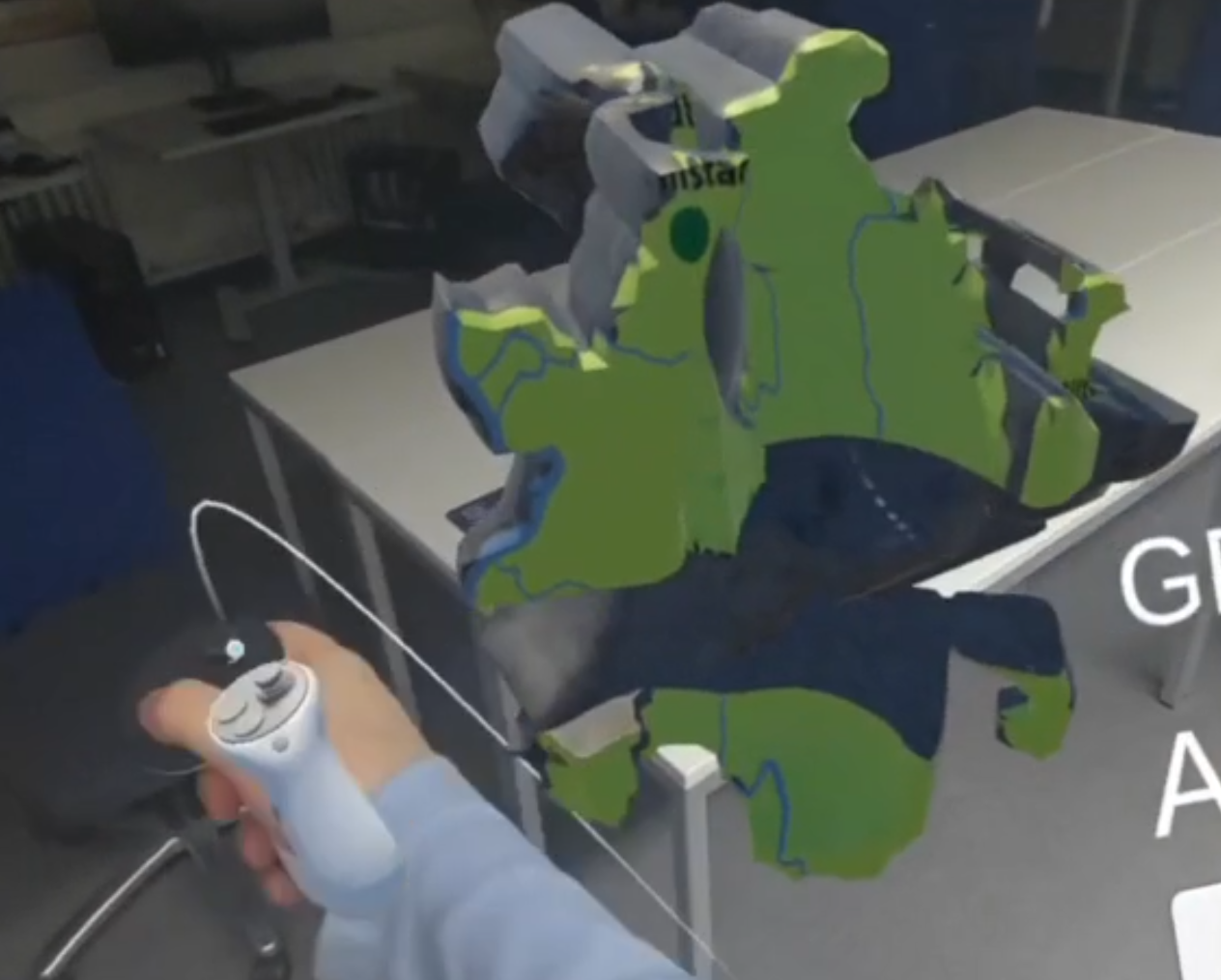 Meta Quest Version
Map Location Tracking
Map tracking utilizes Geospatial-Data that are already stored and given in a Geospatial-Pose and then that is fed into the map location mapping from GPS to Virtual Map functions as mentioned before: “The GPS in the Virtual Map is calculated through mapping from GPS to GPS locations to Virtual map point to another virtual point from custom written mapping functions in C# Code…”
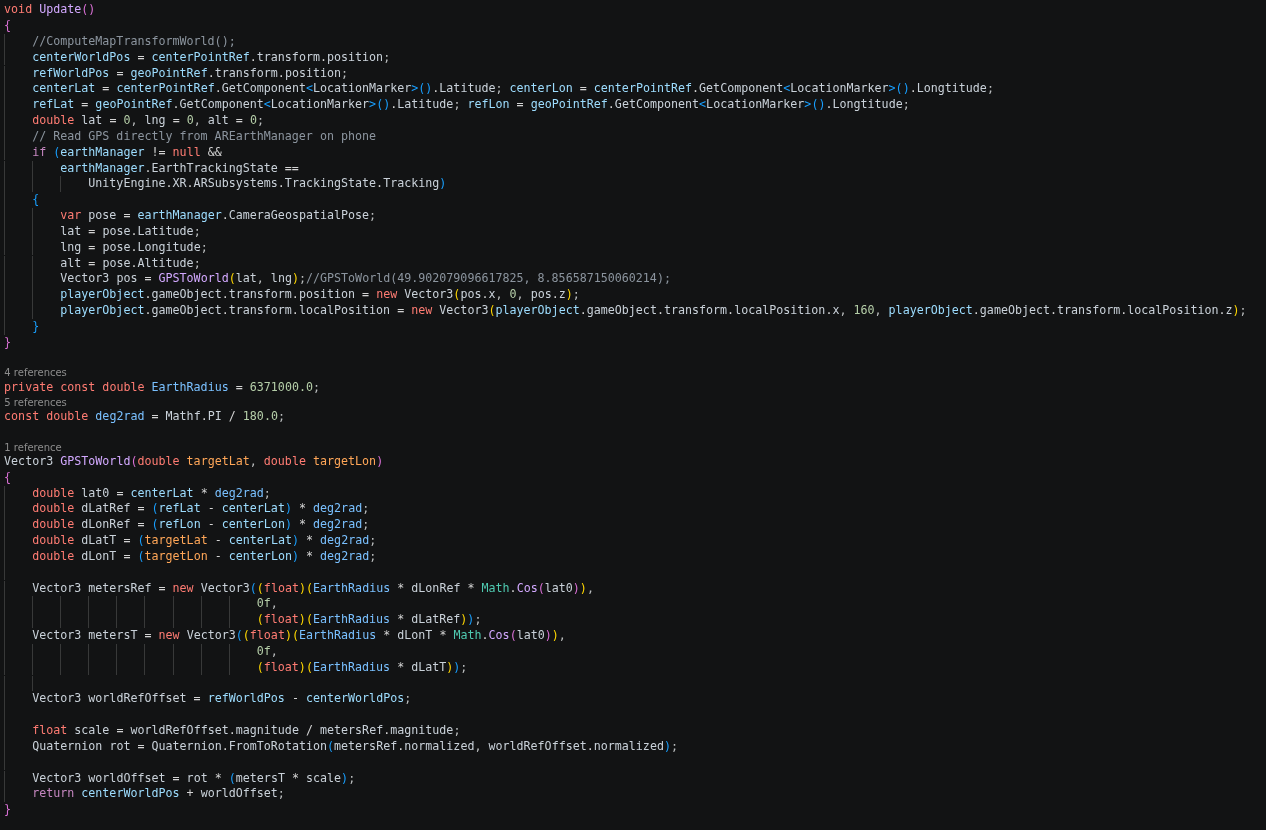 Map Tracking Logic Detail
Each point in the 3D reconstructed virtual map has its own script (LocationMarker.cs) that includes data about its real longitude & latitude which is used to remap the GPS data from real life to that local coordinates and smaller size/distances. So these data are also used and fed into the remapping functions along with the GPS data.
Screenshot Feature
With the help of GitHub - yasirkula/UnityNativeGallery, yasirkula/UnityNativeShare custom Unity plugins, the project includes the feature to take internal screenshot of the AR Framebuffer excluding the App-UI, or share a screenshot to social media with the native function available in android so the app behaves like a native android app.
There are 3 main scripts that handle the interface to the custom plugins which are:
- ARObjectScreenshotCapture.cs : responsible for rendering the AR Camera only and has a function that can save that framebuffer with specified name, it is the central hook to the screenshot Unity plugin.
- PuzzleScreenshotManager.cs : responsible for hooking puzzle success event (hooked to the PuzzleEventManager.cs) and triggers an automatic screenshot of the solved puzzle that stores that special screenshot to show it later on the Geopark in-game map, to be the unique gallery of achievements for each user.
- ARScreenshotShareAndroid.cs : responsible for capturing the AR scene only (via ARObjectScreenshotCapture), then opens the native Android share menu with the captured image attached (via the custom android native share plugin).
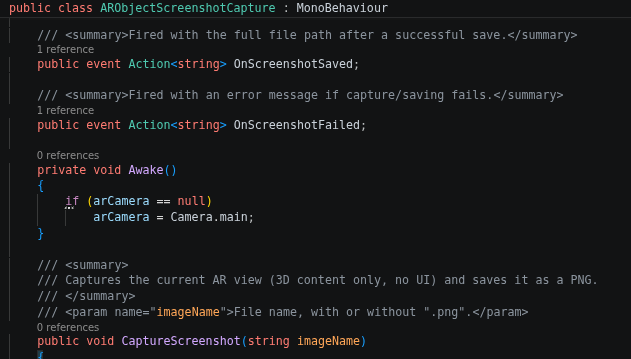 ARObjectScreenshotCapture.cs
As shown, each script has a single responsibility and communicates with the other script/s to achieve the desired behaviour:
- User wants a screenshot only → trigger screenshot button → trigger CaptureScreenshot() in ARObjectScreenshotCapture.cs.
- User solves the puzzle → puzzle solved event trigger → PuzzleScreenshotManager.cs listens to event trigger → trigger CaptureScreenshot() in ARObjectScreenshotCapture.cs with unique local image name to be shown later in the in-game map.
- User wants to share the current screen view → trigger share button → trigger ARScreenshotShareAndroid.cs → trigger CaptureScreenshot() in ARObjectScreenshotCapture.cs → triggers OnScreenshotSaved event → triggers HandleScreenshotSaved in ARScreenshotShareAndroid.cs which uses the provided image path to share to different applications.
Coroutine Queue System
The CoroutineQueue.cs script adds the possibility to queue coroutines as it isn’t available by default in Unity API. It takes coroutines with assigned keys as parameters in the Enqueue function and splits each queue in their own group if they have matching keys in their own queue data structure. Allowing both parallel queues and sequential queues. This helped with the Narration System as it can queue narration one after the other easily while waiting for the previous narration to finish or be skipped/moved forward to start executing the next narration (execution writes the subtitles and executes the audio). But the system is not limited to narration as it can be utilized for general usage of coroutine queues.
The script also allows checking for status of a queue or current running ones or forcefully skipping the current running coroutine in a specific queue key to the next coroutine along with its children coroutine (a child coroutine is a coroutine executed within the coroutine). This helped with the skip narration functionality.
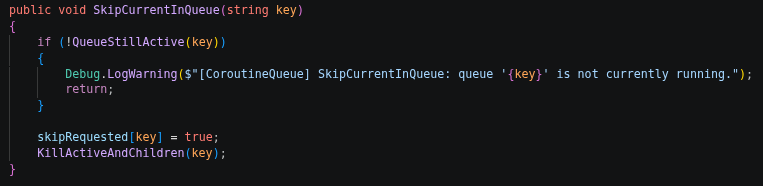 Skipping function of the CoroutineQueue-Class
Final Refactor & Event System
At the latest stages of the project development when it was necessary to start polishing the experience both visually and internally. A lot of refactoring happened, redesigning how the PuzzleManager.cs handles the events and puzzle solving states and hooks into other systems like the guidance system, narration events or VFX triggering.
It had to be refactored to be single-responsibility to follow the philosophy of how OOP (Object Oriented Programming) should be written. And thus more scripts were made to accompany the puzzle manager script such as: PuzzleEventManager.cs , PuzzleNarrationController.cs each are now with single-responsibility, and the latter was used to trigger global events with puzzle success or puzzle spawned/disabled events. and more UnityEvents were specifically added to the PuzzleManager.cs itself to allow local events to happen on the puzzle prefab itself and not in the global scene view (important for easy VFX and SFX triggering), which got used later by the VFX Designer from the Unity Inspector without having to add any extra code.
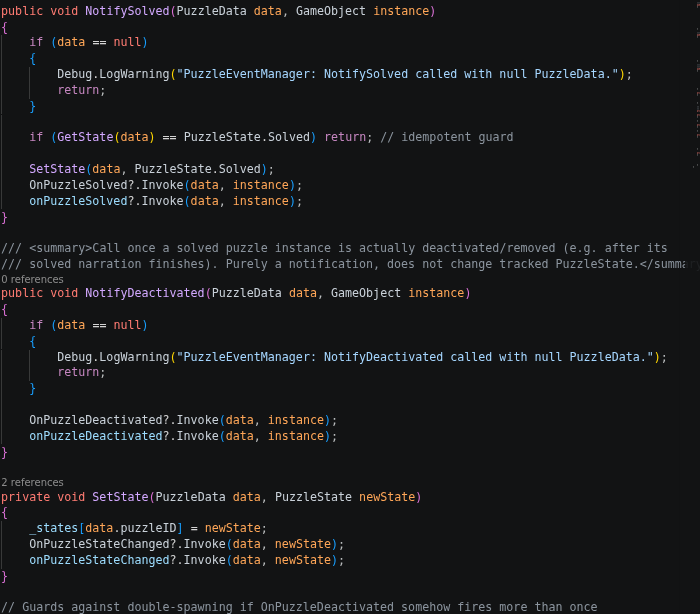 Event System Excerpt
Appendix
Links
- yasirkula/UnityNativeGallery: A native Unity plugin to interact with Gallery/Photos on Android & iOS (save and/or load images/videos). GitHub. https://github.com/yasirkula/UnityNativeGallery
- yasirkula/UnityNativeShare: A Unity plugin to natively share files (images, videos, documents, etc.) and/or plain text on Android & iOS. GitHub. https://github.com/yasirkula/UnityNativeShare
Some information may be outdated